


FAQ
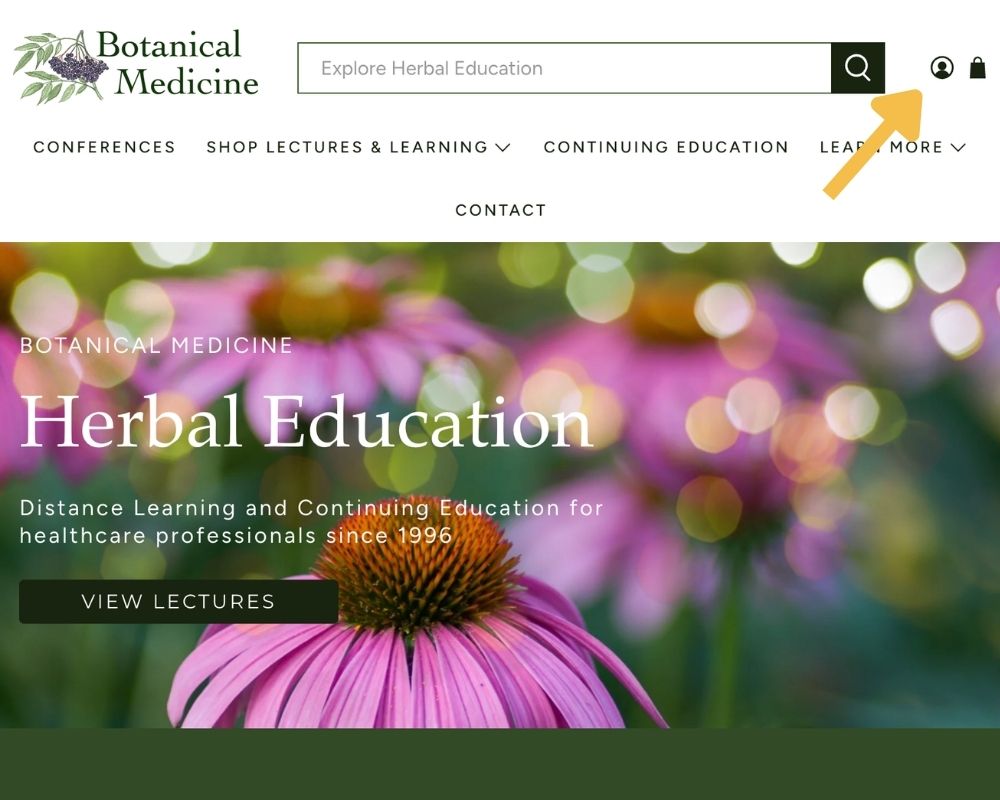
Click the icon of the circle with the head in the top right corner of the page and log in.
Click the icon of the circle with the head in the top right corner of the page and log in.

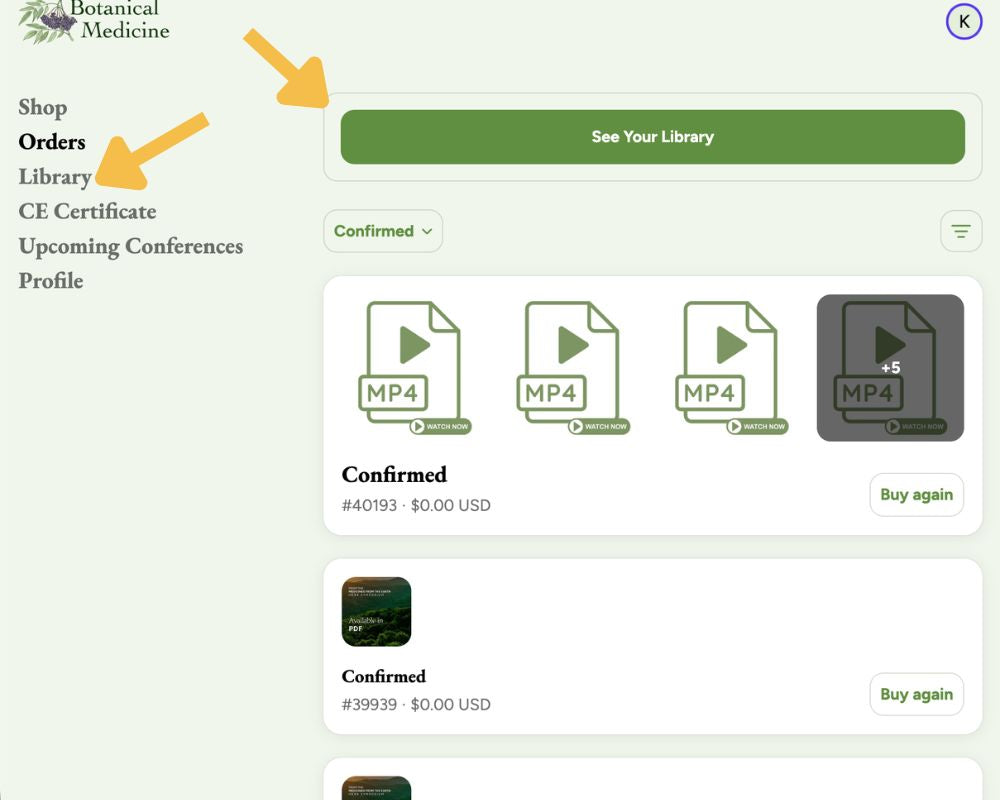
From the menu on the left, click “Library”.
OR
Click the green button at the top, labelled "See Your Library"
From the menu on the left, click “Library”.
OR
Click the green button at the top, labelled "See Your Library"

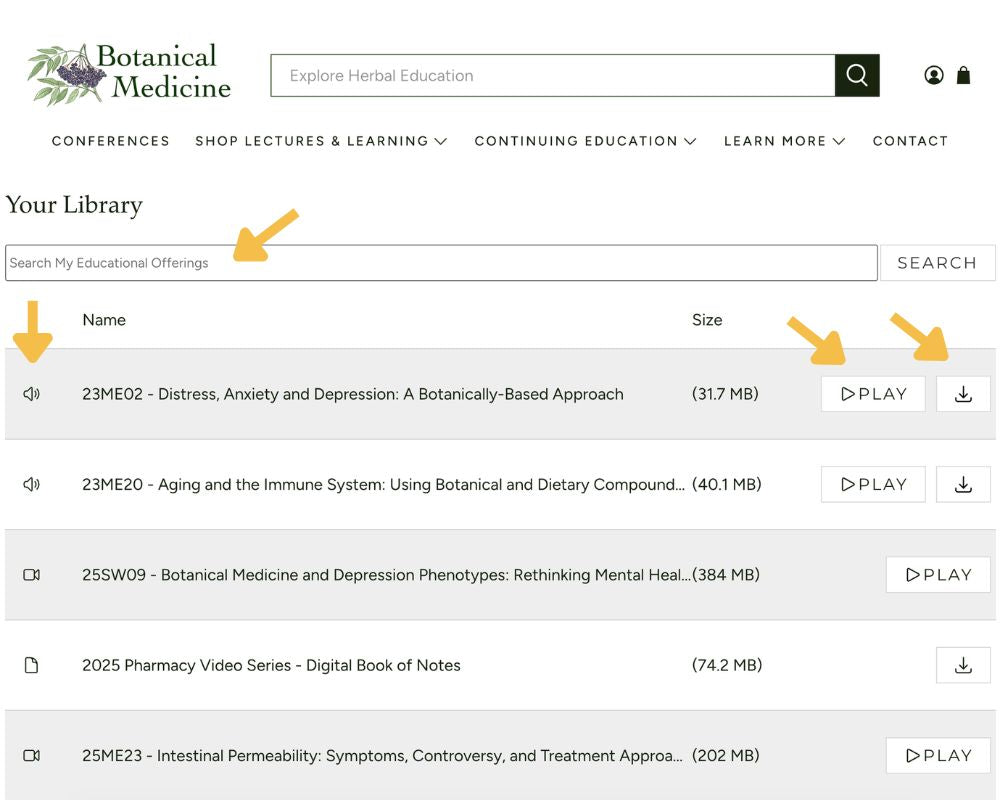
Play your content directly from the browser.
Tip: When searching, you can search for any part of the title, or if you want to find all files from a conference, e.g. the2025 Southwest Conference, you can search for the designated code, e.g.25SW
(25 = the year, 2025; SW = the conference, Southwest)
Play your content directly from the browser.
Tip: When searching, you can search for any part of the title, or if you want to find all files from a conference, e.g. the2025 Southwest Conference, you can search for the designated code, e.g.25SW
(25 = the year, 2025; SW = the conference, Southwest)

See our guides on our full FAQ page.
See our guides on our full FAQ page.